System Management
Palette VerteX contains many system settings you can configure to meet your organization's needs. These settings are available at the system level and are applied to all tenants in the system.
System Console
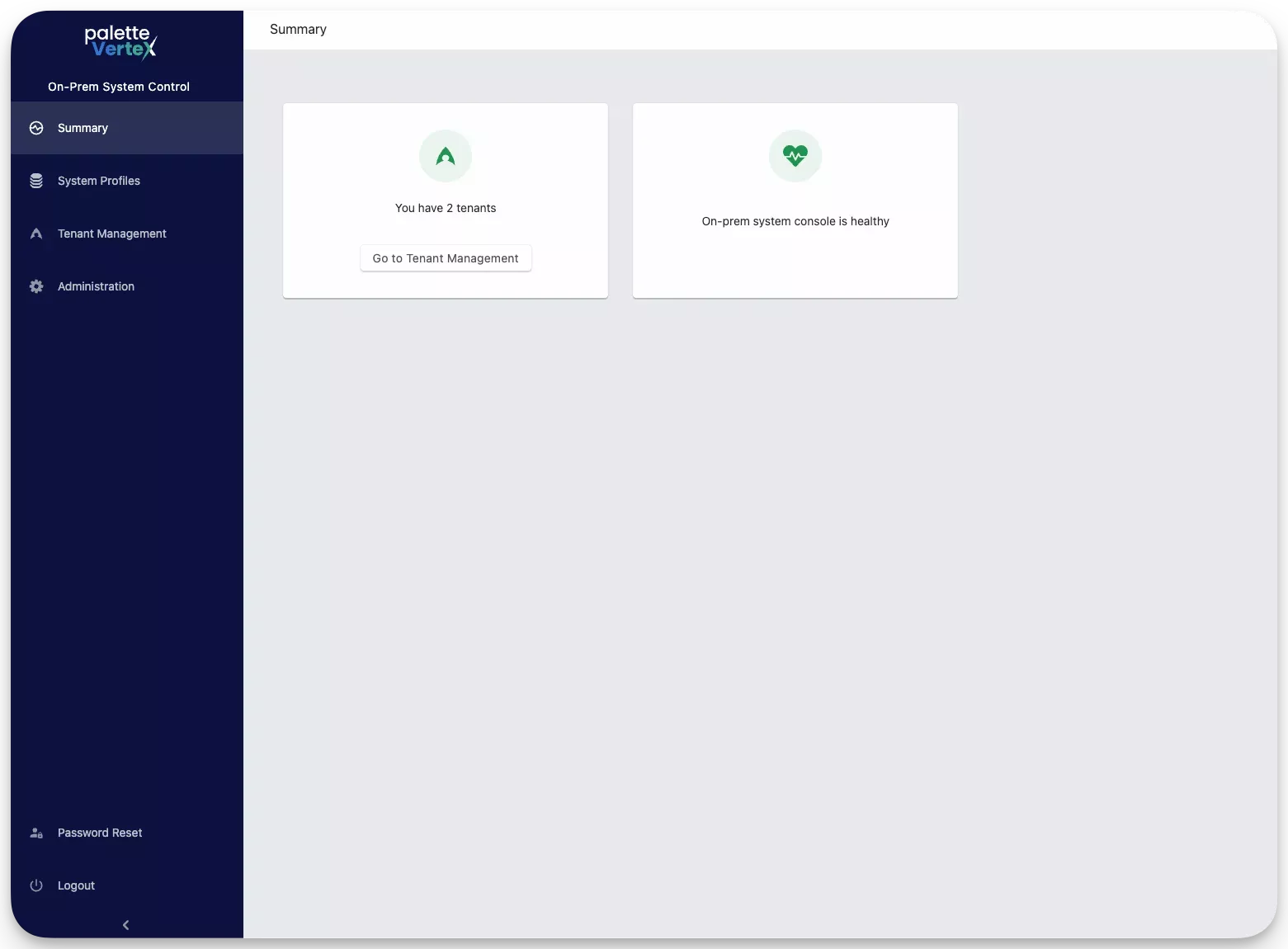
The system console enables you to complete the initial setup and onboarding and manage the overall Palette environment.
Access the System Console
You can access the system setting by visiting the IP address or the custom domain name assigned to your Palette VerteX
cluster and appending the /system path to the URL. For example, if your Palette VerteX cluster is hosted at
https://vertex.abc.com, you can access the system settings at https://vertex.abc.com/system.
Administration and Management
System administrators can use the system console to perform the following operations:
-
Configure DNS settings.
-
Set up alerts and notifications.
-
Enable metrics collection.
-
Manage Palette platform upgrades.
-
Manage the Enterprise cluster and the profile layers and pack integrations that makeup the Enterprise cluster.